



How to Plan a Trip on Expedia: Flights, Hotels and Packages
Learn how to plan a trip on Expedia, compare flights and hotels with a package, and check baggage, cancellation terms and final prices before booking.
Affiliate disclosure: TwizzyMedia may earn a commission if you book through the Expedia link in this guide.
If you’re figuring out how to plan a trip on Expedia, start with three numbers: what the flight costs, what the stay costs, and what the two cost together. Use the same dates and traveler count for each search so the comparison means something. This guide walks through the Expedia.com desktop site using a fictional Chicago–New York trip.
Start your trip search on Expedia
1. Compare flights by airport and fare
Open Flights. Choose your trip type and cabin, enter the departure and arrival cities or airports, then set the dates and number of travelers. When Expedia offers All Airports, try that search first and check the actual airport on each result. A cheaper flight can cost more once you add the trip from the airport to your hotel.
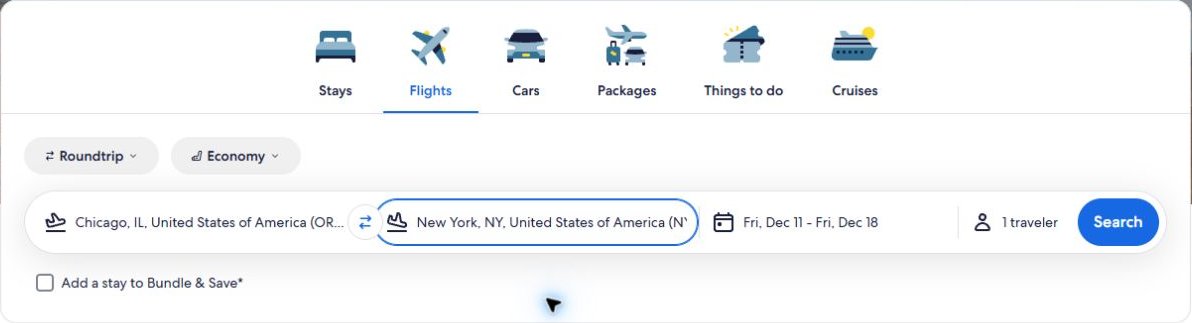
Source: Expedia.com desktop. The cities and dates are for illustration.
Compare arrival times, stops and layovers. Open the fare details and check which bags it includes, whether seat selection costs extra and what changes or cancellation would cost. If your flight arrives after midnight, check which hotel night you need and tell the property when you expect to arrive.
2. Find a stay that fits your itinerary
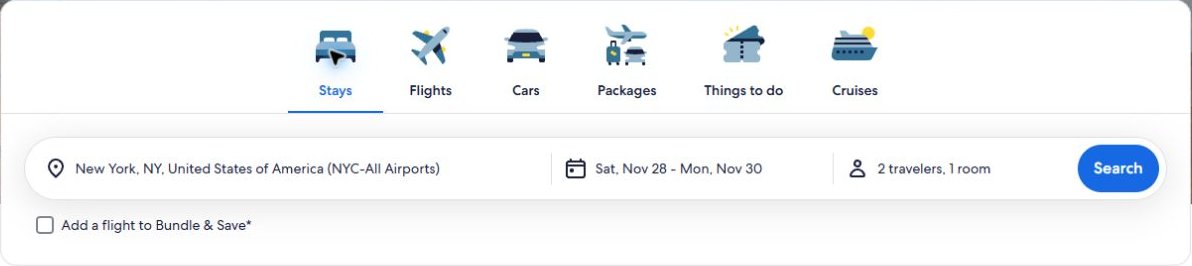
Open Stays, choose your destination, and confirm the check-in and check-out dates, room count and guests. On the results page, use View in a map to check the trip from the property to places you’ll visit. Filter by guest rating, breakfast or Fully refundable property if those matter to you.
Source: Expedia.com desktop. The search form shows sample inputs.
Open the room and rate you’d actually book. Compare the total for the whole stay, including any fees payable at the property. Check the cancellation deadline on that rate and whether you pay now or at the property.
3. Price a package against separate bookings
Open Packages and keep Stay and Flight selected. Add a car only if you need one. Match the dates, airports, travelers, cabin, room and number of nights as closely as you can to the prices you found separately.
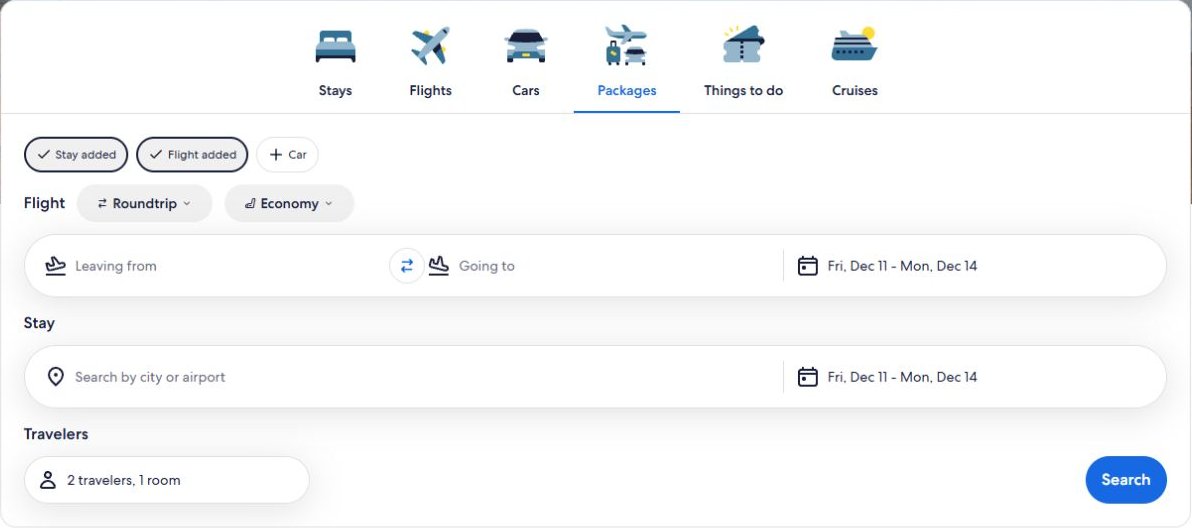
Source: Expedia.com desktop. The form shows the flight, stay and optional car controls.
| Check | What to compare |
|---|---|
| Final total | Same currency, taxes, bag fees and charges due at the property |
| Itinerary | Actual airports, arrival times, room type and number of nights |
| Flexibility | Change and cancellation terms for the flight and stay |
4. Review the trip before paying
Use Cars or Things to do to price extras after you have a workable itinerary. Before paying, confirm the travelers’ names, dates, airports, currency and when each charge is due. Once you book, save the confirmation email and look for your itinerary under Trips. Keep the airline or hotel reference handy if you need to contact them.
Frequently asked questions
Are Expedia packages always cheaper?
Compare the package total with the same flights, room, dates and travelers booked separately. Include baggage, property fees and any differences in cancellation terms.
Where can I find my Expedia booking?
Open Trips on Expedia and use the account or email associated with your reservation. Keep the confirmation email and supplier reference handy.